Inflate
Blow anything up like a parade balloon.
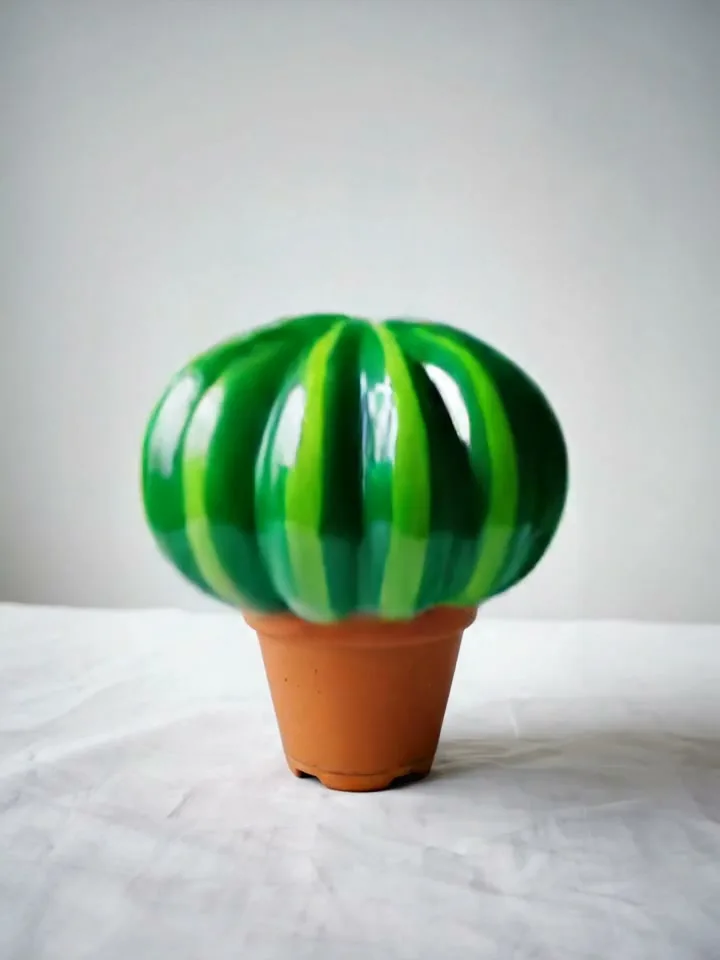
Volume and float physics applied to a single photo — the subject swells like a parade balloon, gets light, and drifts up out of shot.
Three steps
- 1
Upload an object or character to inflate
Drag a photo in, or tap to browse — JPG, PNG, WebP.
- 2
Adjust the preset
Each studio comes with a tuned prompt and recommended model. Edit if you want, or just keep going.
- 3
Tap Generate
Output ready in seconds. Iterate, save, or push the whole workflow to MoodNode desktop for deeper edits.
Every studio is a workflow
MoodStudio presets aren't black boxes. Each one is a small node graph on the MoodNode canvas. Run the preset on your phone for a quick generation; open the canvas on desktop to swap models, add branches, or compose multiple studios into a single pipeline.
- Curated model + prompt + defaults — no first-attempt fumbling
- Open the workflow on desktop to refine, branch, or remix
- Same account, same credits, same gallery across devices
Ready to try Inflate?
Sign in once, run the studio in your browser, download the result. No setup, no install.
Open Inflate