Hairstyle Grid
Nine haircuts before you book one.
Nine cuts and colours in a single contact sheet, with your face held identical across all nine so the comparison is actually about the hair.
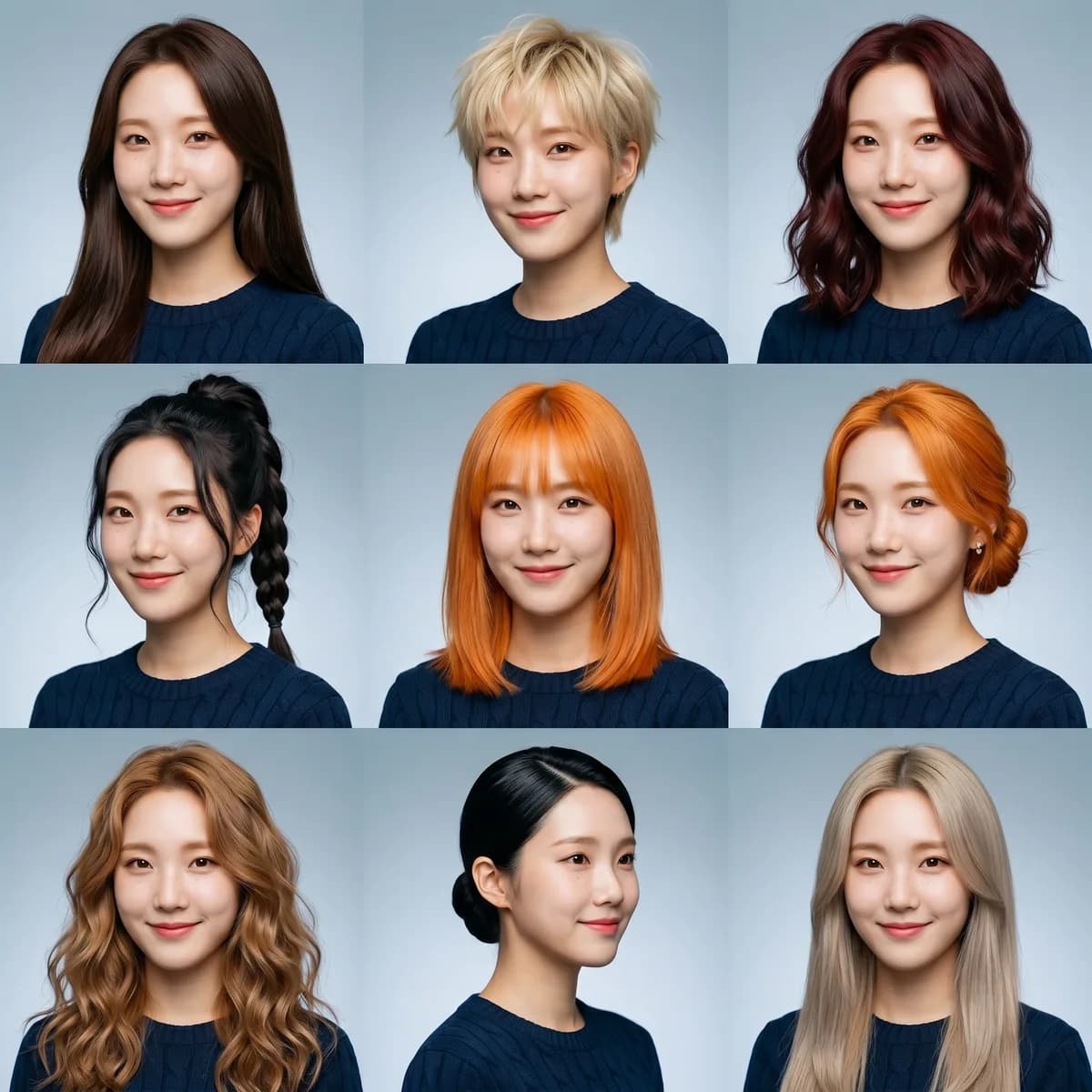
Real outputs
Before / after pairs from this studio.

Portrait → nine hairstyles
Three steps
- 1
Upload a clear front-facing portrait
Drag a photo in, or tap to browse — JPG, PNG, WebP.
- 2
Adjust the preset
Each studio comes with a tuned prompt and recommended model. Edit if you want, or just keep going.
- 3
Tap Generate
Output ready in seconds. Iterate, save, or push the whole workflow to MoodNode desktop for deeper edits.
Every studio is a workflow
MoodStudio presets aren't black boxes. Each one is a small node graph on the MoodNode canvas. Run the preset on your phone for a quick generation; open the canvas on desktop to swap models, add branches, or compose multiple studios into a single pipeline.
- Curated model + prompt + defaults — no first-attempt fumbling
- Open the workflow on desktop to refine, branch, or remix
- Same account, same credits, same gallery across devices
Ready to try Hairstyle Grid?
Sign in once, run the studio in your browser, download the result. No setup, no install.
Open Hairstyle Grid